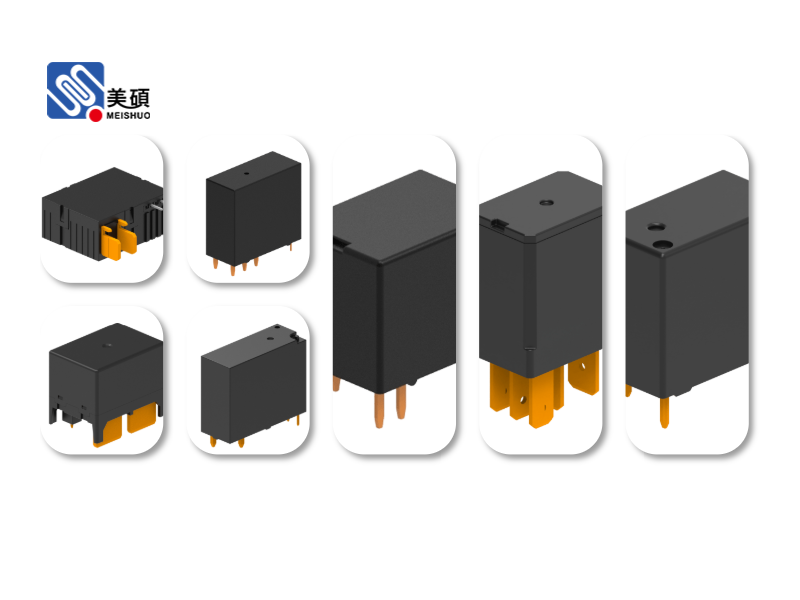
In recent years, the concept of smart homes has gained significant traction, with more and more people embracing the convenience and efficiency that comes with it. One of the key components of a smart home is the Wi-Fi relay switch, which allows you to control various appliances remotely. In this article, we will explore the ins and outs of the Smart Home Wi-Fi Relay Switch, providing you with all the information you need to make an informed decision.
**Understanding the Smart Home Wi-Fi Relay Switch**
A Smart Home Wi-Fi Relay Switch is a device that allows you to control your home appliances using a Wi-Fi connection. It acts as a bridge between your Wi-Fi network and your appliances, enabling you to turn them on or off, adjust their settings, or even schedule their operation remotely. This is made possible through a smartphone app or a dedicated web interface, which provides you with complete control over your smart home devices.
**Key Features of a Smart Home Wi-Fi Relay Switch**
1. **Wi-Fi Connectivity**: The primary feature of a Smart Home Wi-Fi Relay Switch is its ability to connect to your Wi-Fi network. This allows you to control your appliances from anywhere in the world, as long as you have an internet connection.
2. **Remote Control**: With a Smart Home Wi-Fi Relay Switch, you can turn your appliances on or off, adjust their settings, or even schedule their operation remotely using your smartphone or tablet.
3. **Voice Control**: Many Smart Home Wi-Fi Relay Switches are compatible with voice assistants like Amazon Alexa, Google Assistant, and Apple Siri. This means you can control your appliances using simple voice commands.
4. **Energy Efficiency**: By allowing you to control your appliances remotely, a Smart Home Wi-Fi Relay Switch can help you save energy and reduce your electricity bills. For example, you can turn off lights or appliances that are not in use, or schedule them to turn on or off at specific times.
5. **Customizable Scenes**: You can create custom scenes for your Smart Home Wi-Fi Relay Switch, which allows you to control multiple appliances simultaneously with a single command. For example, you can create a “movie night” scene that turns on the TV, dims the lights, and starts the popcorn machine.
**How to Choose the Right Smart Home Wi-Fi Relay Switch**
When choosing a Smart Home Wi-Fi Relay Switch, there are several factors to consider:
1. **Compatibility**: Ensure that the switch is compatible with your Wi-Fi network and the appliances you want to control.
2. **Brand Reputation**: Choose a reputable brand that offers reliable and secure products.
3. **Ease of Use**: Look for a switch that is easy to install and use, with a user-friendly interface.
4. **Additional Features**: Some switches offer additional features like energy monitoring, which can help you track your energy consumption and save money.
**Installing a Smart Home Wi-Fi Relay Switch**
Installing a Smart Home Wi-Fi Relay Switch is generally a straightforward process. Here are the basic steps:
1. Choose a location for the switch that is near an outlet and within range of your Wi-Fi network.
2. Connect the switch to your Wi-Fi network using the provided instructions.
3. Install the switch in the wall outlet, following the manufacturer’s guidelines.
4. Download the manufacturer’s app or web interface and follow the instructions to pair the switch with your Wi-Fi network.
5. Test the switch to ensure it is working correctly.
**Conclusion**
The Smart Home Wi-Fi Relay Switch is a powerful tool that can help you create a more convenient, efficient, and energy-saving smart home. By providing you with remote control, voice control, and energy-saving features, it is an essential component of any smart home setup. With the right switch, you can take your smart home experience to the next level.